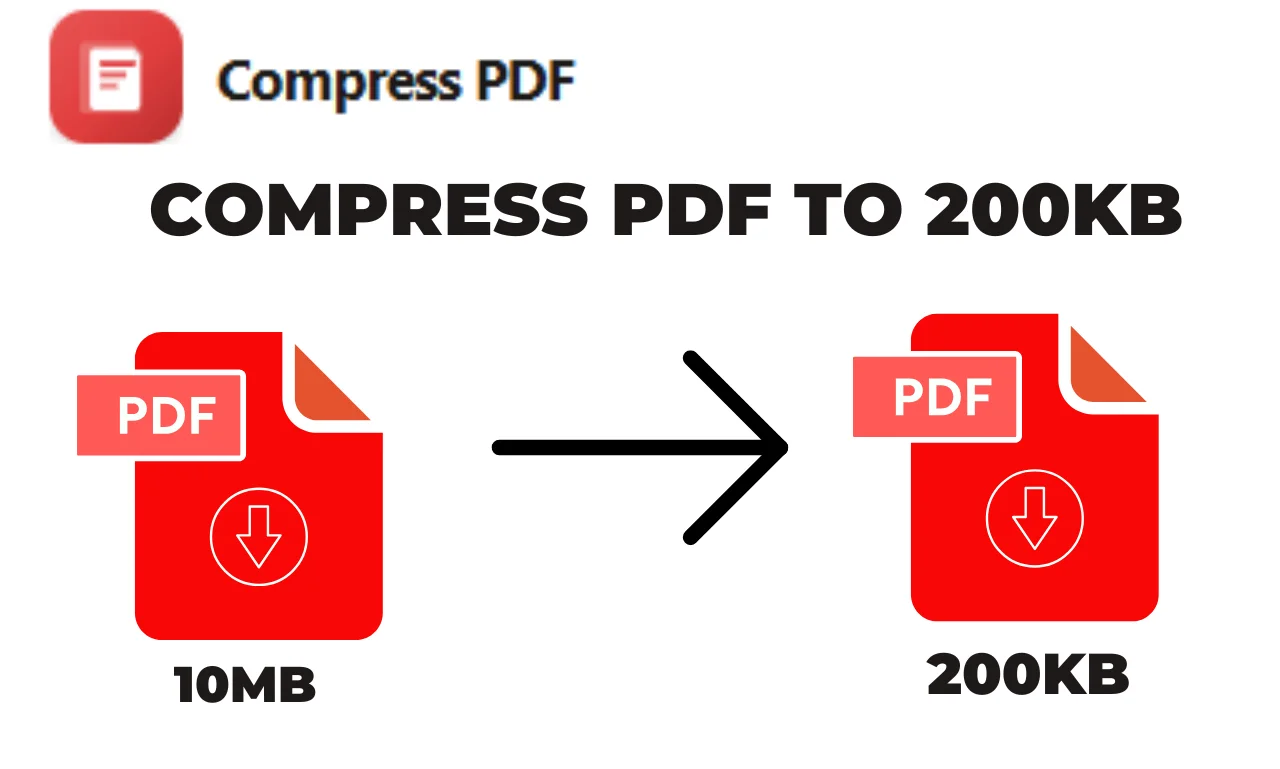
Compress PDF

Select your PDF or drag and drop it below.

or drop PDFs here

Compress PDF is used in every field of life such as assignments, office reports, invoices, resumes,ebooks, forms and official documents. Users face many problems because of its long size.Many time large file delivery is late as they take a long time to upload and some time do not even send.The solution to your problem is to compress PDF for free.

Once you upload your pdf file, you can set your desired dpi , percentage and color whether you want gray or no colour. By default we have set some for our users for ease. You can download your file in one click or you can directly share your file by using google drive ,dropbox and email. The thing that makes our website unique is you can preview your file before download, you can erase your file. In case you did not get your desired result you can simply restart.

You do not need to create a account or login as you can compress PDF document, on your browser.

Illustration

Why Use Our Compress PDF Tool?

We built this tool so any user can easily manage their pdf file with this user-friendly site.Weather you are student ,freelancer and businessman.

Fast Compression Speed

Our system uses optimized algorithms that compress your file in seconds.You do not need to wait as you get a quick response.

Multiple File Support

Replace with your text.You can upload multiple files at a time and can get their compressed version in one click.

Preview before Download

You can review your compressed file without downloading it, and can set the quality percentage.

High Compression with Good Quality

You get reduced file size but text is readable and has a clear image.

Secure & Private Processing

We encrypt your file so that no one can read it. Your encrypted file is directly uploaded and after processing it gets deleted successfully. No one can access your file.

Works on Every Device

It works fine on every devises mobile, laptop, ipad and system.You only need internet connection and browser

Completely Free

PDF Compress PDF is completely free.There are no any hidden charges.

Why use our PDF compressor?

How to compress PDF files

Select PDF file that you want to compress. Drop your files and start your compression. After few seconds, download your compressed file.

Adjustable quality

To get perfect results, you can adjust compression quality to set compression algorithm according to your needs. PDF files with images gives good results rather than text-only PDFs

Easy to use

Compress PDF make the porcess fast and easy for you. You dont need to install any software, just select or drop your files and start your process.

Runs on your system

This compression tool does not need any special system. It is browser based and can easily work on any operating system.

No installation required

No need to download or install any software. PDF files dont use your system's resources and get compress on cloud.

Secure online compression

This tool do not keep your pdf files for too long. Your files and results gets deleted automatically after few seconds.

Frequently asked questions

How to compress a PDF to reduce it's size?
  1. Click on the file selection box which is on the top of the page and then select the files you want to compress.
  2. If the parameters of compression you want to change then change it.
  3. Start compression from the button which is given and then at last save the compressed file.
What does compressing a PDF do?

When we reduce the size of the pdf then we use different ways to make the file smaller. It depends on what type of data it contains, sometimes compression  can be good and sometimes less effective.If a pdf contains images then the compression is better. Compress pdf uses the following methods :  

  1. Removes font information that is not necessary for viewing the pdf.
  2. Images ka size DPI parameter ke mutabiq reduce karta hai.
  3. Reduces image size according to the DPI parameter.
  4. Reduces image quality according to the image quality parameter.
  5. Change the structure of the pdf file and compress the data.
How do I reduce the size of a PDF without losing quality?

Lossless PDF compression is possible with Compresspdf ,but you should not expect more reduction in file size in this  mode. Here is how it words:  

  1. Click on the file selection box and select on files.
  2. Set the compression mode in lossless compression and then start the compression.
  3. At the last save the compressed files.
Why is my PDF so big?

 A large  pdf file is usually created when the pdf contains images This is often the main reason .If pdf only contains text then it is small.if there are images you can use compress pdf to reduce their size and quality to make file smaller.

Does compressing a PDF reduce quality?

There are different modes in the Compresspdf compression tool. In Normal compression mode  both image quality and size are reduced because  this results in the greatest reduction in file size. There is also a  lossless compression mode  which maintains the quality but less effective.A slight decrease in quality is usually not a problem. And the question is how much quality can be reduced that is still acceptable for the file size .

Do PDFs compress well?

Yes,if   PDF contains  images because it can be possible to  compress images and reduce the size of the images. PDF files which do not contain images  have less effective compression. .

How do I reduce the size of a PDF offline?

Just download the compresspdf creator  which is free and easy to use and download it. This software provides an offline PDF solution making the PDF compression tool easy to us

From the blog

View all posts